
Android
Chrome or Edge
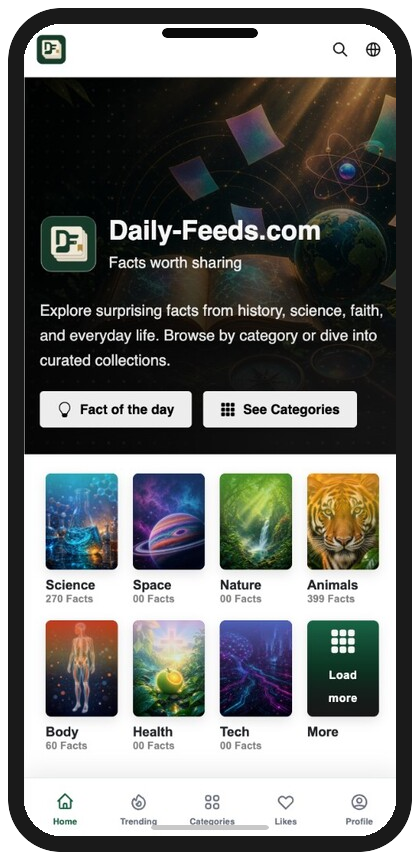
- Open Daily-Feeds.com in Chrome (or Edge).
- Tap the menu (⋮) in the top-right corner.
- Tap Install app or Add to Home screen.
- Confirm Install — the app icon appears on your home screen.
Questions, feedback, or partnership ideas — we would love to hear from you.
Whether you need help with your account, have a content question, or want to explore working with Quizerland, our team is ready to help.
Email: support@quizerland.com
We typically reply within 1–2 business days.
Email: partners@quizerland.com
For publishers, educators, and brand collaborations.
Email: hello@quizerland.com
Quizerland is a product of Qaydum.com.
Comments
0 comments